PDF, image & batch tools for Android

PDFs to images. Photos to PDF.

Convert and organize files together. Merge PDFs, resize and compress images, or rename a whole batch—all on your device with OpenOne.

✓ No sign-up✓ On-device file processing✓ 7 batch tools
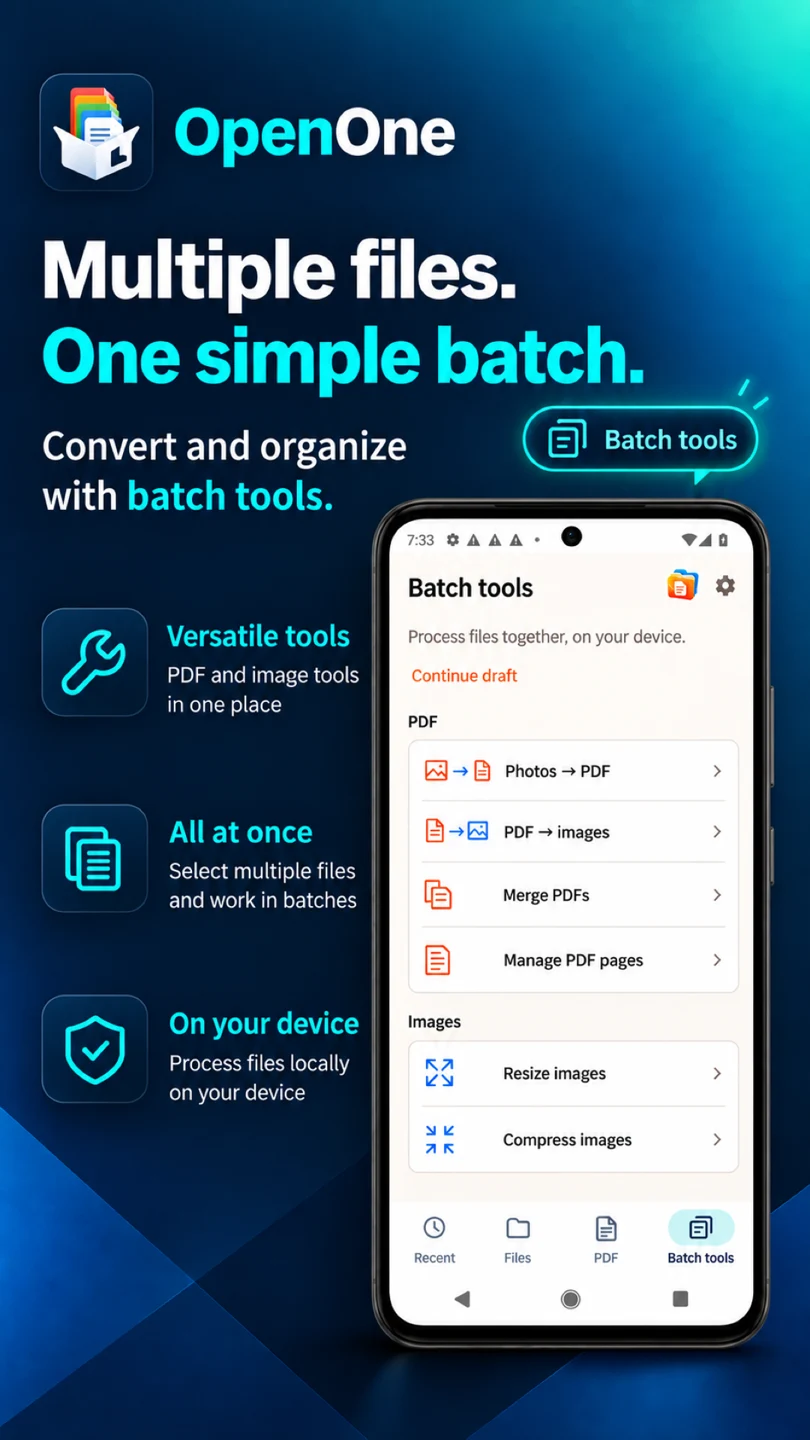
OpenOne batch tools for converting photos to PDF, exporting PDF pages as images, and organizing PDFs and images

Everyday files, one familiar viewer

PDFHWPWORDEXCELPPTZIPEPUB
Your everyday conversions

The files you have. The format you need.

Share a page as an image. Bring photos together in a PDF. Finish repetitive file tasks in one place.

PDF → JPG / PNG

Turn PDF pages into images

Save a whole document or just the pages you need as JPG or PNG images. Handy for sharing a page from a guide, handout, or presentation.

  • Choose all pages or a page range
  • Set JPG or PNG output and resolution
  • Choose a naming pattern and save folder
JPG / PNG → PDF

Bring your photos into one PDF

Collect receipts, photographed notes, or multiple images in a single document. Arrange and rotate your photos, then preview before saving.

  • Reorder and rotate photos
  • Set A4 or original ratio, margins and quality
  • Preview and save as a new PDF

Keep going beyond conversion

Tools for the rest of the job, from PDF pages and image sizes to file names.

Merge PDFs

Put multiple PDFs in the right order and save them as one document.

Organize PDF pages

Reorder, rotate, remove, or extract selected pages and save a new PDF.

Resize images

Set dimensions in pixels or by percentage for a batch of images, with aspect ratio control.

Compress images

Adjust JPG quality or save PNGs with transparency preserved. Output size depends on the source and settings.

Rename files in batches

Use prefixes, suffixes, sequential numbers, and find-and-replace. Preview the new names before applying them.

From selection to sharing

  1. Choose your files

    Select the photos or PDFs for your task together.

  2. Set up and preview

    Adjust order, page range, or quality and review the result.

  3. Save and share

    Choose a destination and share your completed files.

Conversions and edits create new files. Renaming changes the names of selected originals while keeping their contents intact.

Start free. Handle larger batches with PRO.

Free per job: 10 photos for photos-to-PDF; 10 files for resizing, compression, or renaming; 3 PDFs for merging; 5 pages for PDF-to-images; 10 pages for page management. PDF-to-images counts the pages to export; page management counts all source pages; renaming counts files whose names will change. A one-time PRO purchase removes batch count limits.

Open, read, and find it again

A capable viewer, too.

Alongside conversion and batch tools, open PDFs, HWP and Office documents, archives, and more in one place.

01

One home for your files

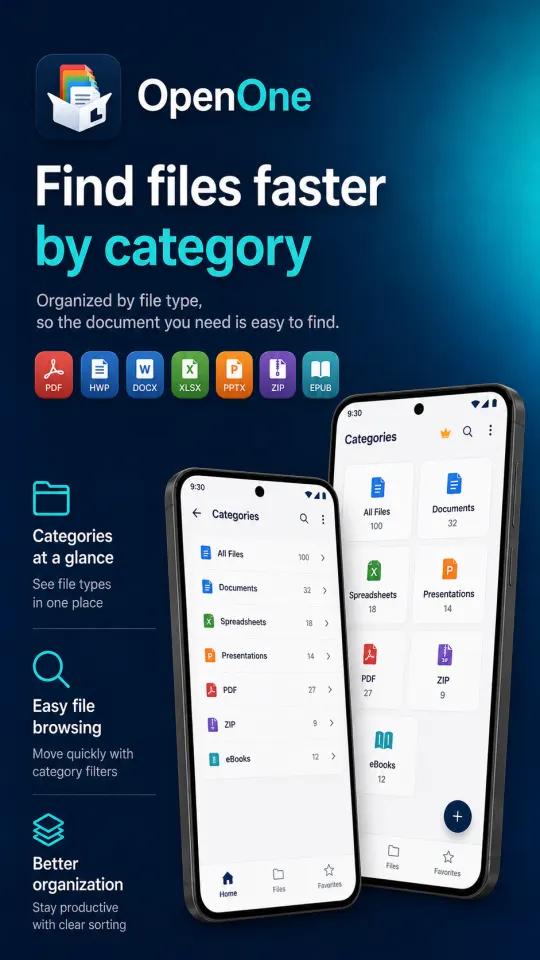
Find recent documents, search by name, filter by type, and keep favorites close.

02

Useful previews

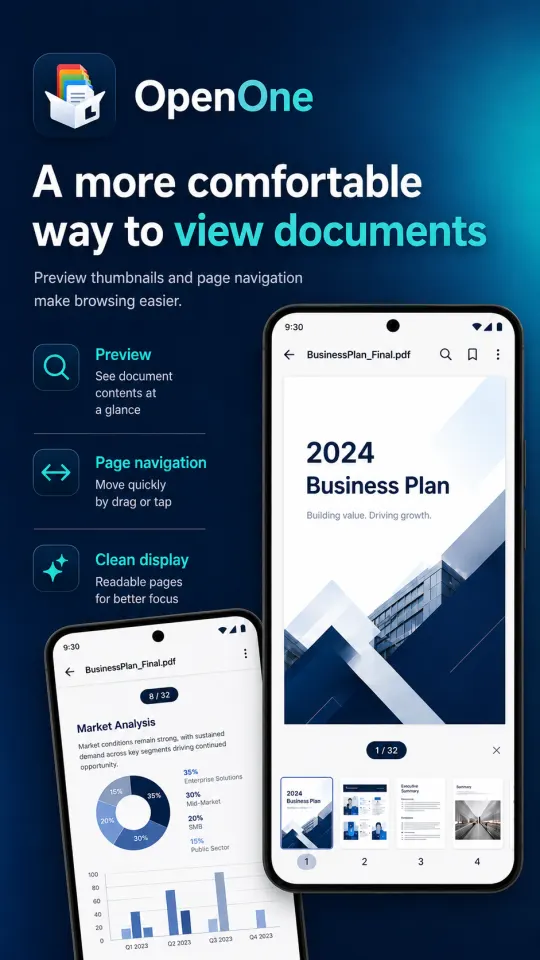
Read PDFs, images and text, or safely preview content from HWP and Office documents.

03

Designed for every screen

A responsive layout feels at home on phones, foldables, and tablets.

04

Safe by default

Document previews do not run macros, scripts, or APK installation code.

Privacy is not a setting

Your documents stay yours.

Documents continue to be processed on your device. The app may use internet access and an advertising ID for ad delivery and measurement, but document contents are never sent to the advertising service.

See the full privacy policy
⌁

Only what you choose

Android’s system picker gives the app access only to files and folders you explicitly select.

◎

Local processing

PDF and image conversions, batch jobs, previews, and reading history are processed on your device.

◇

Results saved separately

Conversions and edits create new files. Batch renaming changes original file names while keeping file contents intact.

A clear path from file to answer

Made to get out of your way

OpenOne file browser and category view
01

Choose a file

Open a file from OpenOne, a message, email, or Android’s share menu.

A document preview in OpenOne
02

Read with confidence

Zoom PDFs and images, browse tables, or extract readable document content safely.

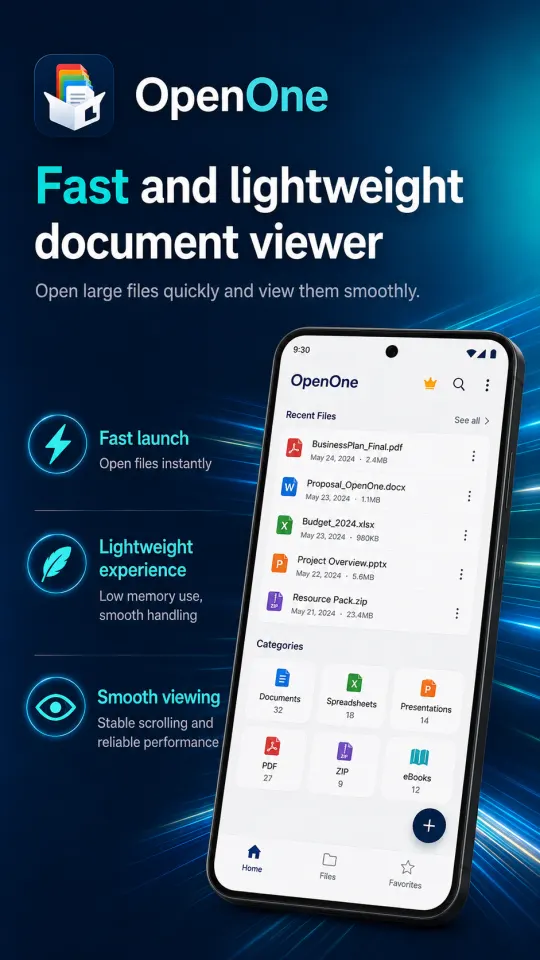
OpenOne recent files and continue reading screen
03

Pick up where you left off

Return to recent files, favorites, and your saved reading position.

OpenOne

Your next file task starts here.

Convert PDFs and images, and organize files together with OpenOne.

Get OpenOne on Google Play